Getting help through an EAP assistance program: phone, booking or app
Knowing an EAP exists is one thing. Knowing exactly how to reach it, at the moment it's needed, is another. This page covers the usual ways staff contact an EAP assistance program and what happens after they do. Beny is not an EAP; it's an employee benefits app that eases everyday costs.
Most programs offer more than one door, so people can use whichever feels easiest. The usual routes are:
A phone line run by the provider, often the fastest way to talk to someone
Online booking through the provider's website
An app or portal, where the provider offers one
A manager referral, made only with the employee's agreement
A manager advice line, for leaders who want guidance on supporting someone
If someone is in immediate danger, call 000. An EAP isn't an emergency service, so its number should never be the only one people have in a crisis.
Before they call
What helps people reach out
The moment someone decides to get help can be brief. Removing small obstacles makes it more likely they follow through.
Check that staff know:
The exact number or web address, saved somewhere they can find it fast
Which hours the line is answered, and what happens out of hours
That they don't need to give their manager or HR a reason
Whether partners or family members can call too
A wallet card, a phone contact saved at induction or a regular message all work. What matters is that the details are there before anyone needs them.
Beny's part: easing everyday costs
Beny is not an EAP, and nobody reaches counselling through it. It's an employee benefits and recognition app for the day-to-day costs that can add to stress. Here's how it can work next to your program:
Reaching out to an EAP takes courage. Saving at the checkout takes none at all. Beny gives your team discounts at 400+ Australian brands, so the weekly budget stretches a little further whatever else is going on.
Inside the Beny app:
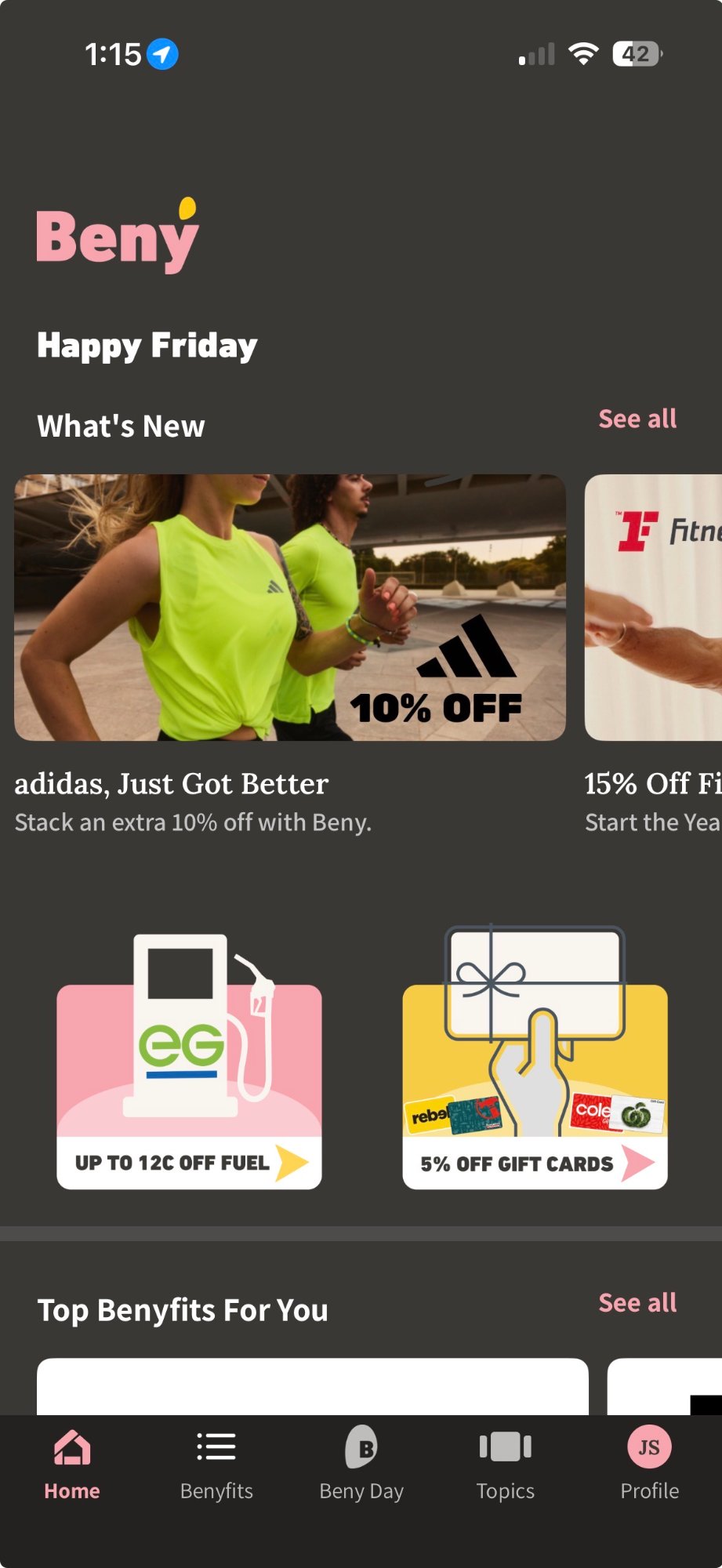
Fuel: as much as 12c/L cheaper
Supermarket: 5% off the Woolworths or Coles shop
Movies: vouchers at 35% off
eGift cards: 5% off at well-known brands
Home loans and insurance: benefits next to the everyday savings
Launching Beny
Set up without an IT project
Sign up in a few clicks, add your logo and Beny gives you a unique QR code for your organisation. Put it on a poster, in an email or on the intranet. Staff scan it, receive an SMS and download the app, and each person can add up to two friends or family members. The whole set-up takes under 8 minutes.
Your provider supplies a dedicated number, usually with a web address for booking. It's often printed on wallet cards and posters, and it belongs in your induction pack. If staff can't find it quickly, that's the first thing to fix.
Many providers offer online booking or an app as well as a phone line. Some people find it easier to pick a time on a screen than to talk on the phone first. Ask your provider which options your contract includes.
It depends on the provider and the contract. Some phone lines run around the clock while booked sessions follow business hours, and others work differently. Tell staff exactly what's available out of hours, and remind them that emergencies need 000.
Response times vary by provider and by how urgent the request is. A first call is often answered straight away, while booked sessions depend on counsellor availability. Ask your provider what to expect so you can set realistic expectations with staff.
They can tell the provider and ask for a different counsellor or another format. If their needs go beyond short-term support, the counsellor can suggest other options. Either way, the choice is theirs and it stays confidential.
Make help easy to reach, and savings easy to use
Put your EAP details where staff can find them, and give your team Beny for the costs that come every week. Decision-makers can start a personal 14-day trial before rolling it out.